7 Signs Your Business Has Outgrown Its Current Web Hosting
Digital Host's Team
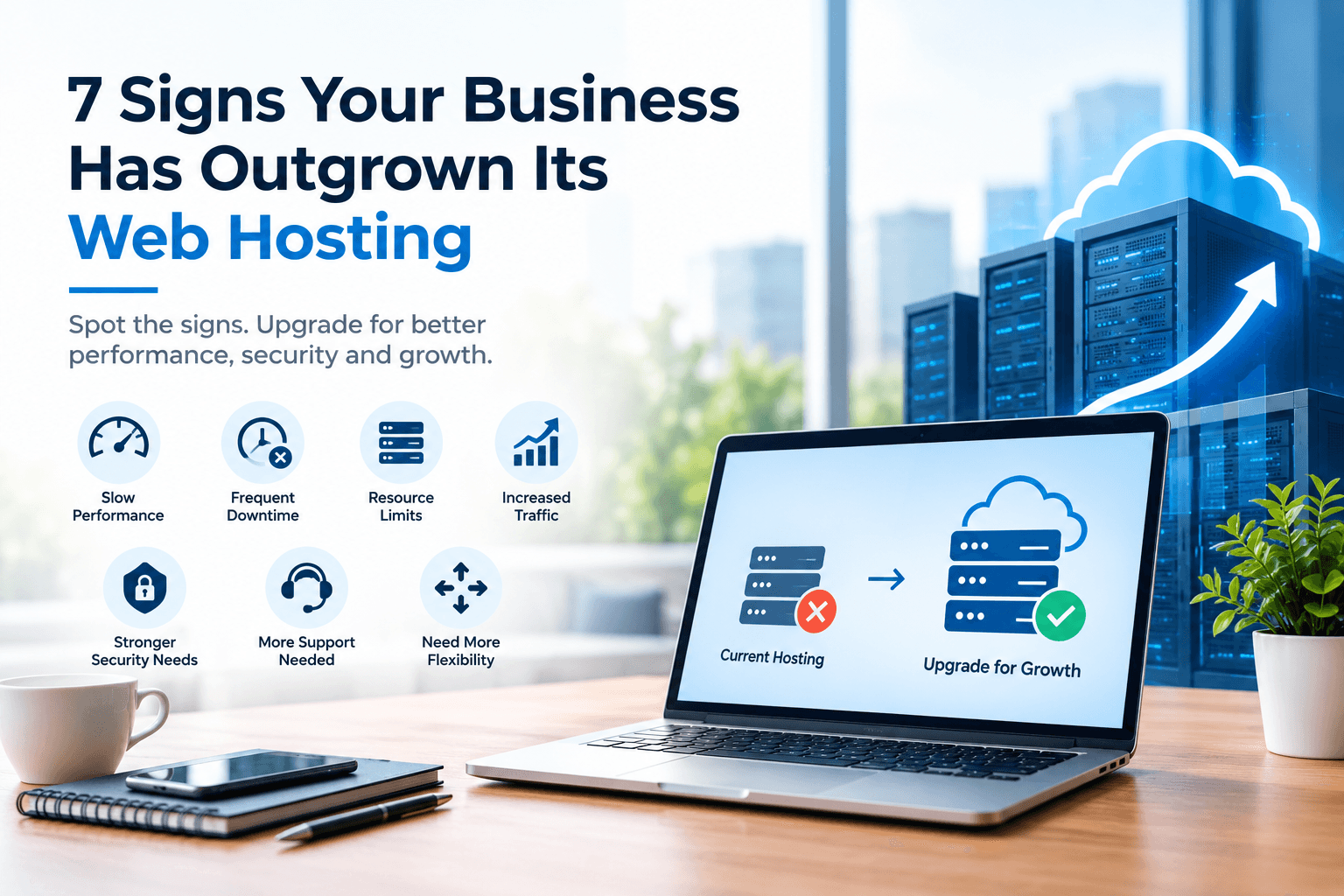
Your business website may start with a simple hosting plan that works perfectly well in the beginning. As your business grows, however, your website may receive more visitors, use more applications, store more data, and require greater security.
At some point, your original hosting plan may no longer provide the performance and resources your business needs.
Knowing when to upgrade your web hosting can help you avoid slow loading times, downtime, security concerns, and frustrating customer experiences.
Here are seven signs that your business may have outgrown its current hosting solution.
1. Your Website Is Becoming Slower
One of the clearest signs that your hosting needs attention is a noticeable decline in website speed.
As your website grows, it may contain more pages, images, plugins, databases, applications, and other resources. Increased visitor traffic can also put additional pressure on your hosting environment.
If pages are taking longer to load or your website becomes noticeably slower during busy periods, your current hosting resources may no longer be sufficient.
Slow performance can affect the user experience and make it harder for visitors to find information, complete purchases, or contact your business.
Upgrading your website hosting may provide additional resources and a better environment for handling increased demand.
2. Your Website Experiences Frequent Downtime
A business website needs to remain available when customers want to access it.
Repeated downtime can become a serious concern, particularly for businesses that rely on their websites for enquiries, bookings, sales, or customer support.
If your website frequently becomes unavailable, it is worth investigating whether your current hosting infrastructure can handle your business requirements.
A more suitable hosting environment can provide greater reliability and infrastructure designed to support consistent website availability.
3. You Are Reaching Your Resource Limits
Hosting plans typically come with resource limitations.
Depending on the provider and package, these may include storage, memory, CPU resources, bandwidth, databases, or other technical limits.
As your business expands, you may start receiving notifications about resource usage or experience restrictions when your website reaches certain limits.
These warnings should not simply be ignored.
Consistently reaching your resource limits can indicate that your website has grown beyond the capabilities of its current hosting plan.
Moving to a more powerful hosting solution can provide the additional capacity your website requires.
4. Traffic Has Increased Significantly
Successful marketing campaigns, search engine visibility, social media activity, and business growth can all increase website traffic.
More visitors are generally positive for a business, but increased traffic also means your hosting environment needs to process more requests.
A hosting plan that worked for a few hundred visitors may not be ideal when your website attracts significantly more traffic.
Cloud Hosting can be an option for businesses that need flexible infrastructure and scalability as their requirements change.
Instead of waiting until your website struggles during a traffic spike, review your hosting capacity before major campaigns or seasonal events.
5. Your Website Needs Better Security
Security requirements can change as your business grows.
A small informational website may have relatively simple requirements, while an established business may handle customer accounts, online payments, business data, forms, databases, and other sensitive information.
Your hosting environment should support your wider security strategy.
When reviewing web hosting services, consider features such as SSL certificates, monitoring, firewall protection, backups, malware protection, secure infrastructure, and access controls.
Security is not something businesses should consider only after an incident. It should be part of the hosting decision from the beginning.
6. You Need More Technical Support
Managing hosting can become increasingly complicated as a website grows.
You may need assistance with server configuration, performance issues, backups, DNS settings, security concerns, migrations, or application requirements.
If your current provider offers limited support, resolving technical problems can consume valuable time.
Businesses without dedicated technical teams may benefit from Managed Hosting, where infrastructure management and technical support can reduce some of the workload.
A hosting provider with responsive technical support can also help businesses troubleshoot issues more efficiently.
7. Your Business Needs More Flexibility
Your hosting requirements can change as your business develops.
You may decide to launch an online store, add a customer portal, run additional websites, introduce new applications, or expand into new markets.
A basic hosting environment may eventually become restrictive.
Instead of choosing a hosting plan based only on your current requirements, consider whether the provider offers a clear upgrade path.
Options such as virtual servers, cloud hosting, dedicated servers, and managed infrastructure can provide businesses with more flexibility as their technical needs increase.
How to Know Which Hosting Upgrade You Need
Not every business needs to move directly to a dedicated server.
The appropriate solution depends on your website's traffic, applications, resource requirements, security needs, budget, and expected growth.
For example:
Small business website:
A business hosting plan may provide the resources needed for a straightforward company website.
Growing WordPress website:
WordPress hosting can provide an environment suited to websites using the WordPress platform.
High-traffic website:
Cloud or more powerful server infrastructure may be appropriate when traffic and resource requirements increase.
Web application:
Virtual servers or dedicated infrastructure may provide greater control and resources for applications with specific technical requirements.
Business requiring technical assistance:
Managed hosting can reduce the amount of server administration required internally.
What to Check Before Upgrading
Before changing your hosting plan, review your current website requirements.
Consider:
Average and peak website traffic
Storage usage
CPU and memory requirements
Database size
Website applications
Security requirements
Backup requirements
Expected business growth
Technical support needs
Future website projects
It is also useful to identify the actual cause of performance problems before upgrading.
A slow website is not always caused by hosting. Large images, poorly configured plugins, inefficient code, third-party scripts, and database problems can also affect performance.
A technical review can help determine whether your hosting environment needs to be upgraded or whether website optimization should happen first.
Why Scalable Hosting Matters
Business growth is difficult to predict.
Your website may experience gradual growth, or traffic may increase suddenly following a successful marketing campaign, product launch, or seasonal promotion.
Scalable infrastructure gives businesses more flexibility when their requirements change.
Cloud-based hosting can be particularly useful when businesses need resources that can adapt to changing workloads.
The goal is not simply to purchase the largest hosting package available. Instead, choose infrastructure that provides the resources you need today while giving your business room to grow.
Make Your Hosting Work for Your Business
Your hosting environment should support your business rather than become a limitation.
Slow performance, frequent downtime, resource restrictions, increased traffic, growing security requirements, limited support, and a lack of flexibility can all indicate that it is time to review your current web hosting.
Digital Host provides a range of hosting and infrastructure solutions, including web hosting, cloud hosting, business hosting, WordPress hosting, reseller hosting, virtual servers, dedicated servers, and managed cloud services.
The right solution depends on your individual business requirements. By regularly reviewing your hosting performance and planning for future growth, you can keep your website prepared for the next stage of your business.
Final Thoughts
Outgrowing your hosting is often a sign that your business and website are growing.
Instead of waiting for serious performance or reliability problems, monitor your website resources, traffic, security, and support requirements regularly.
When your existing hosting environment can no longer comfortably meet those requirements, upgrading to a more suitable solution can provide the infrastructure your business needs to continue growing online.
Like this article
More practical growth insights, delivered.
Join the Digital Host newsletter for new guides on performance, security, and building a stronger online presence.
Subscribe for updates